Your next
packaging idea
Make it bold.Keep it vector.
Design boxes and labels in Affinity. Bring them to life with YBS Packaging.
Big type. Bold color. Clean lines. Packaging that makes someone stop, look and pick it up.
That first impression starts with the artwork. Give your brand a foundation that can hold up across every box and label in your collection.
01 / The foundation
Small label.
Big box.
Same sharp artwork.
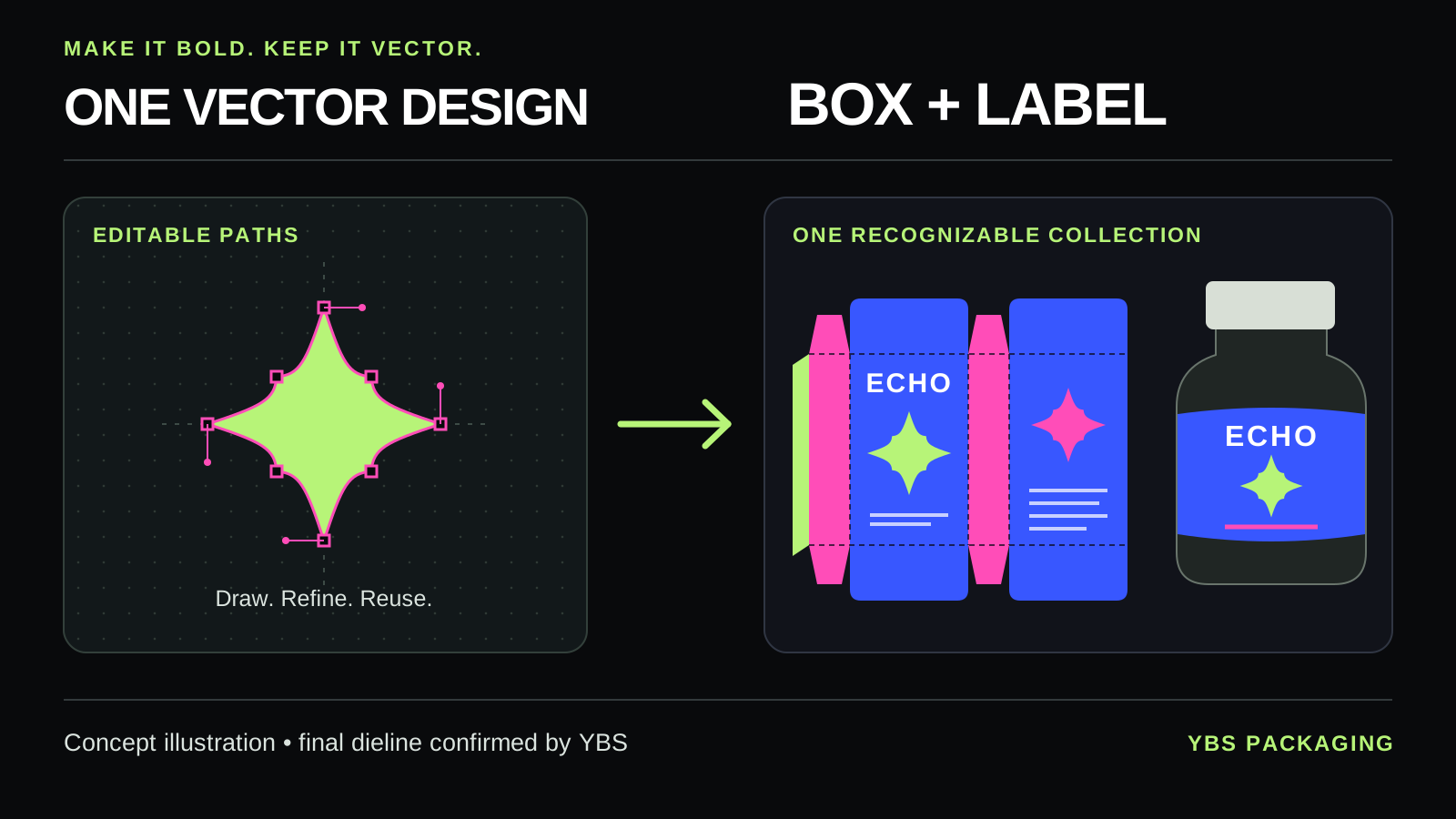
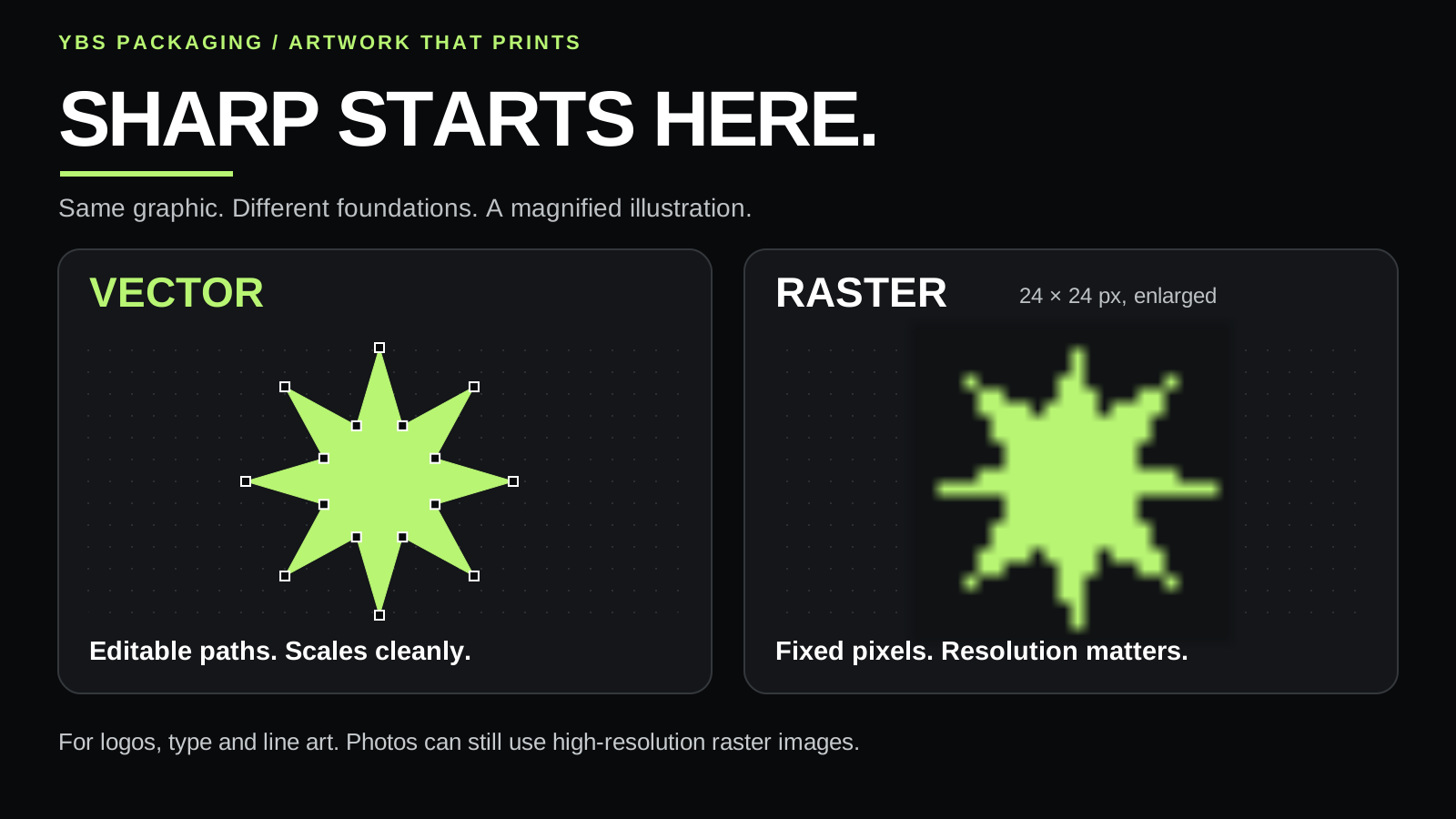
Vector artwork uses editable paths and curves rather than a fixed grid of pixels. That makes it especially useful for logos, lettering, graphic shapes and illustrations that need to stay sharp as you resize them.
Your logo might appear on a small bottle label today and a larger folding carton tomorrow. A clean vector original gives you a flexible starting point for both, with shapes and colors you can adjust as your product line grows.
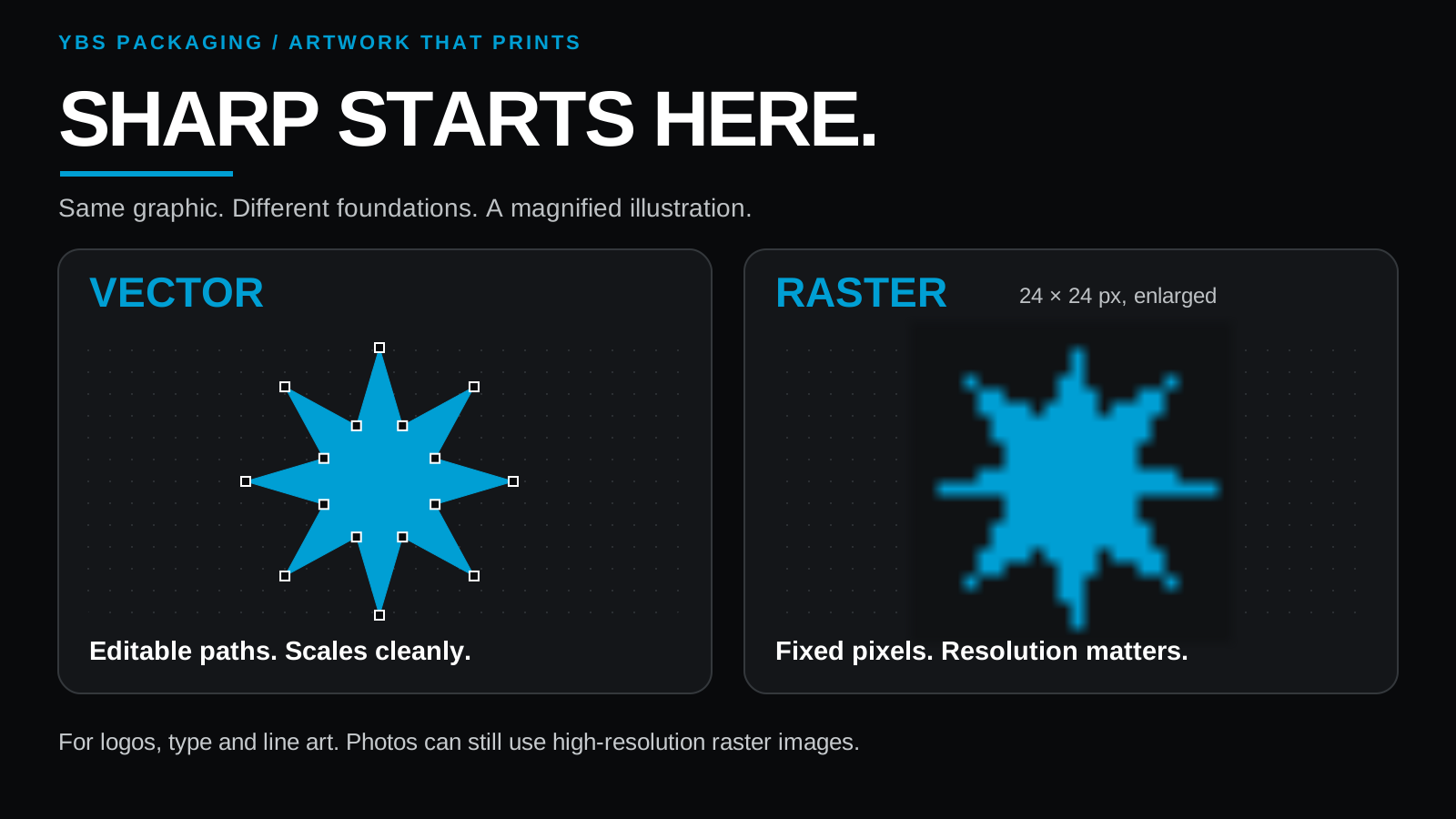
Good design matters at every size. Tiny lettering and delicate details can become difficult to read even when the artwork is vector. Check the layout at its actual printed size, especially on small labels.
Your creative space
Your design,
down to the last curve.
The current Affinity app combines vector design, photo editing and page layout in one place. Its core tools are free for individuals with a Canva account.
In Vector Studio, draw original shapes, refine curves, work with typography and create artwork that carries your own visual style. Alignment tools, guides and multiple artboards help keep the details organized across different formats.
You bring the idea. Affinity gives you room to work through it.
02 / From one idea to a collection
One idea.
A whole collection.
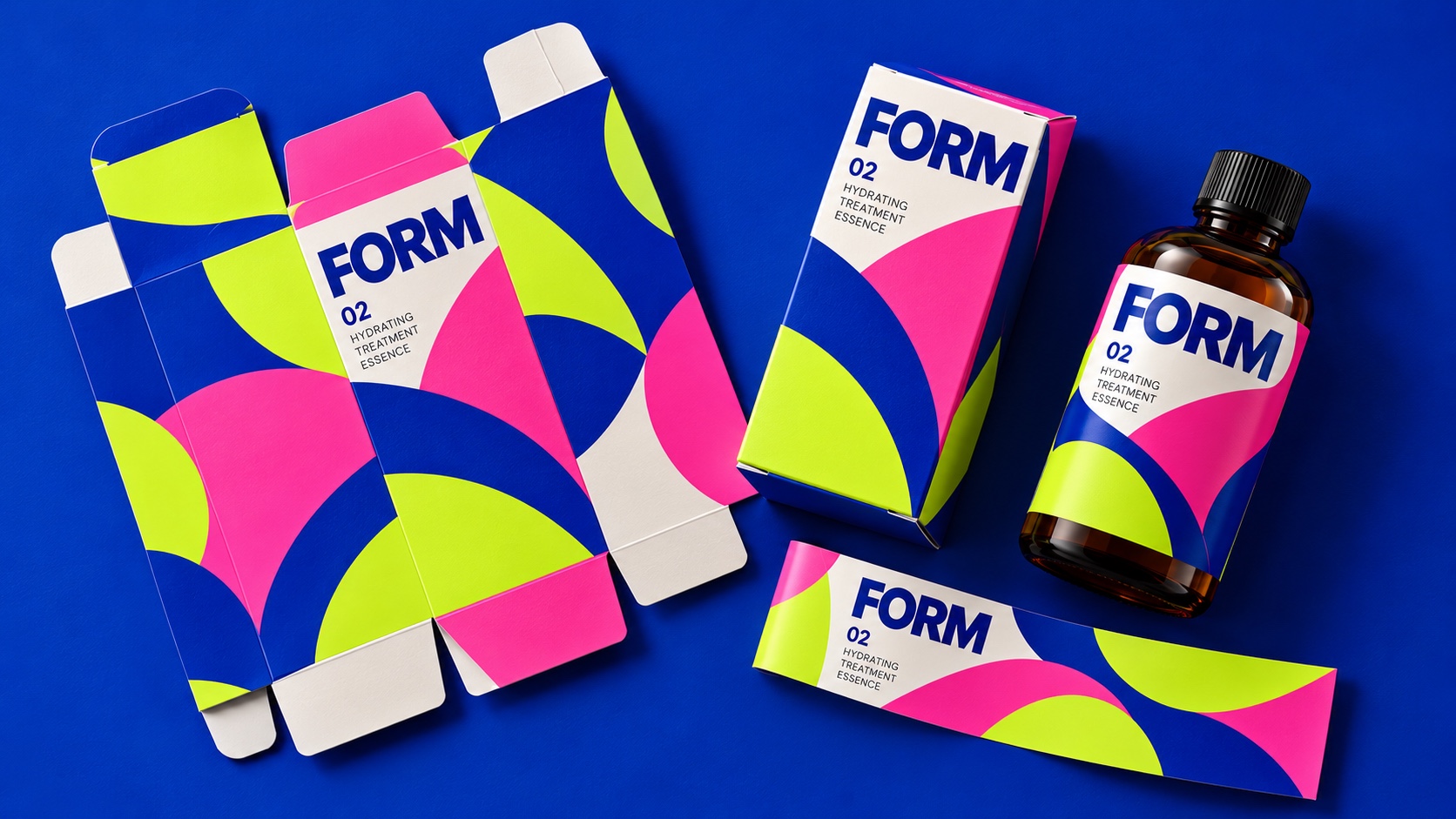
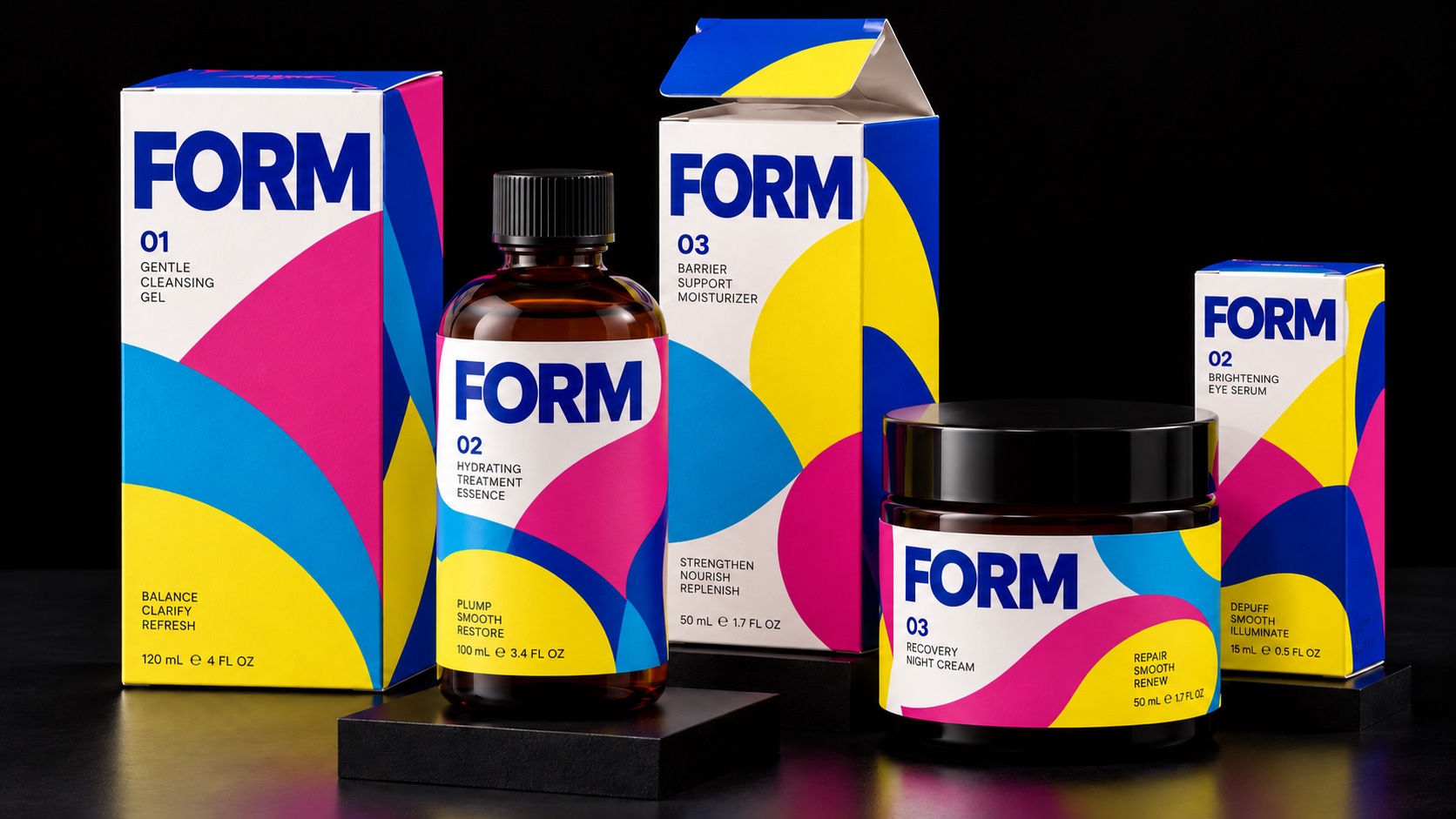
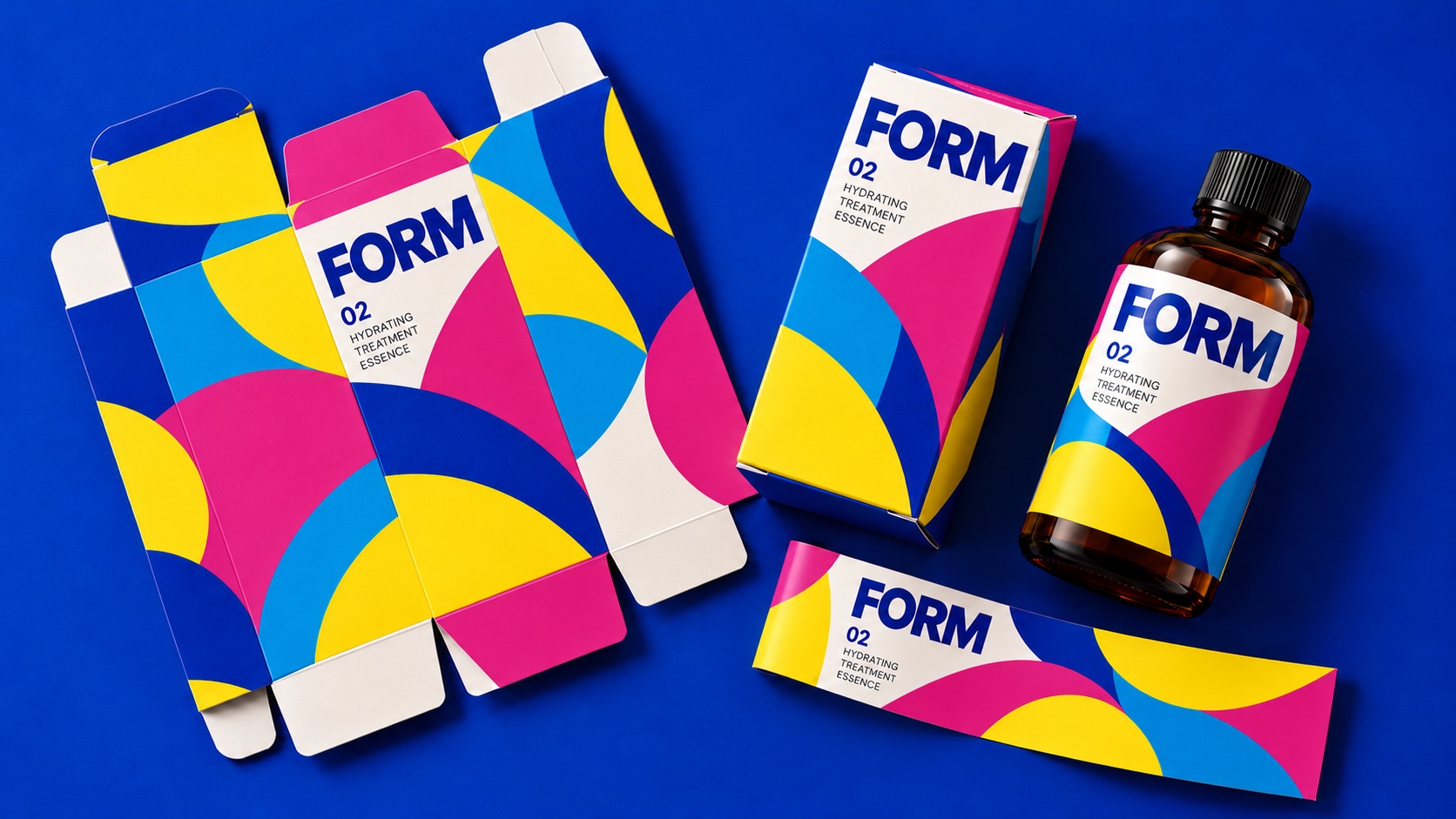
Imagine a skincare brand with an oversized wordmark and a bold curved graphic. The same design language can connect a serum carton, its bottle label and the next product in the collection.
Start with the package that fits.
Contact YBS with your product dimensions, quantities and packaging ideas. We can help confirm the specifications and provide the appropriate artwork instructions before you finalize your layout.
For a box, use the approved flat template showing its panels, cuts and folds. For a label, confirm its dimensions and shape. Build around the real package from the beginning.
Create the artwork that makes it yours.
Build your logo, headline lettering, patterns and graphic elements as vectors. Choose a clear hierarchy so the brand, product name and supporting information each have a purpose.
Try a larger product name. Give your logo more breathing room. Test a simpler pattern. A memorable package often comes from a few well chosen elements working together.
Carry the design across both formats.
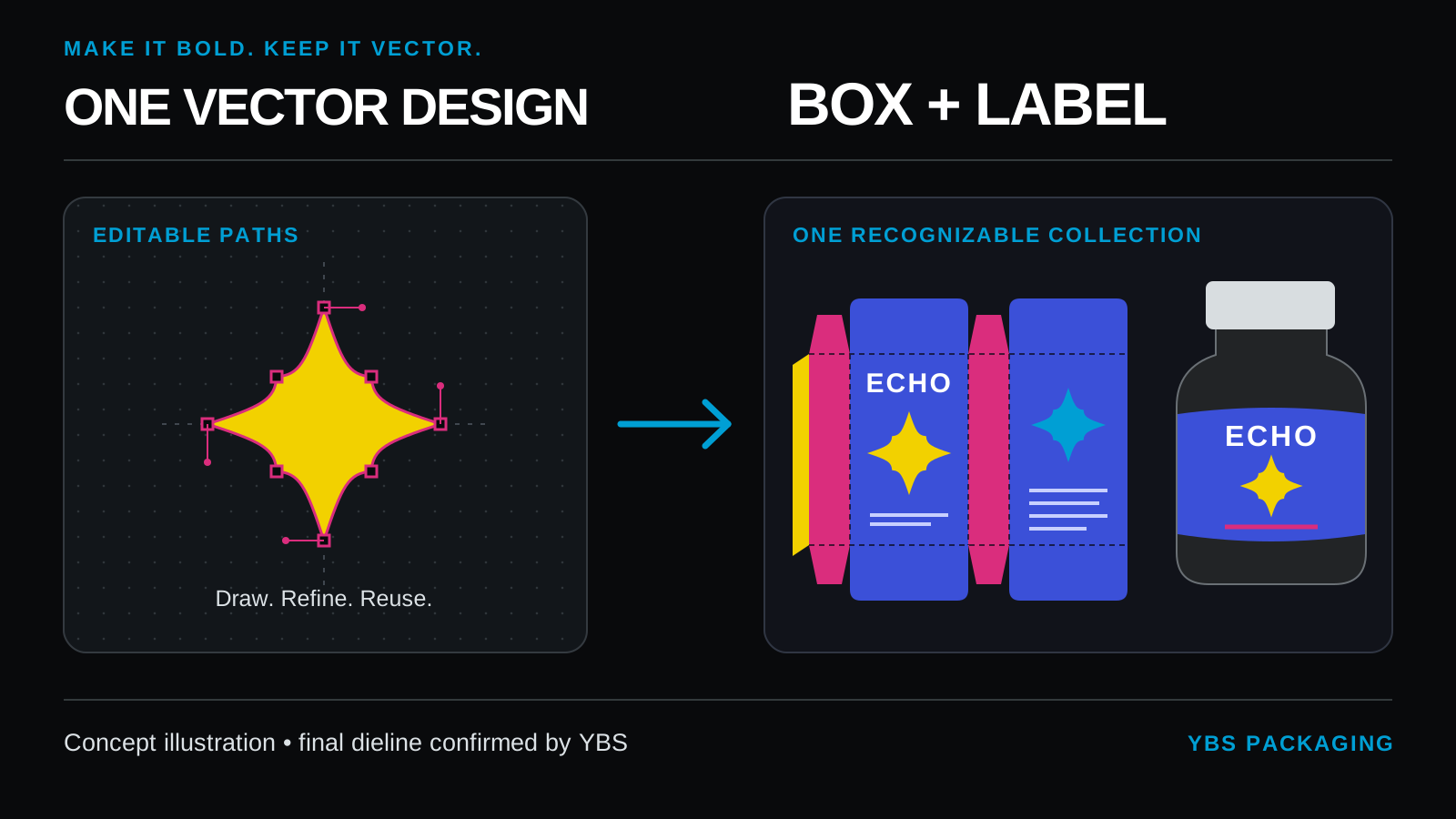
Set up separate layouts for the carton and coordinating label. Reuse the core artwork and color palette, then adapt the information to the space available.
Keep important text inside the safe areas provided with your template. Check how artwork moves between box panels and how the label sits on the product. One brand, with each format doing its own job.
A PDF is not automatically vector artwork.
A PDF can contain vector elements, pixel images and text together. Putting a JPEG logo inside a PDF does not turn that logo into vector artwork. Start with the original vector file whenever possible.
If you use image tracing to rebuild an existing logo, inspect the result closely. Fine details and corners may need cleanup before printing.
Photographs can still be part of great packaging. Use images with suitable resolution at their final printed size, while keeping logos, lettering and graphic artwork vector wherever appropriate.
03 / The production handoff
Keep the quality
when you export.
Keep your master.
Save an editable master of the design. Make a separate production copy so you can return to the original artwork for new products, text changes and future versions.
Prepare the details.
Outline the type in your production copy. Follow the YBS instructions for color settings, bleed and artwork placement. Font preparation and color settings deserve the same attention as the design.
Preserve the vectors.
Export a PDF that preserves your vector artwork. Avoid a setting that rasterizes everything. Even a professional PDF preset needs checking against the requirements for your particular project.
04 / Make it real with YBS Packaging
Your artwork.
Our presses.
Your packaging.
Ready to order? Tell us what you are making. We will help confirm your project specifications and guide you through the quote, artwork handoff and ordering process. You review and approve your proof before production.
Your next packaging collection can start with one strong design. Make it bold. Keep it vector. Let’s get it into your customers’ hands.
- Product and dimensions
- Quantities for each version
- Materials and finishes
- Your delivery deadline